Logins and Websites
www.thephilosophyman.com
I know that if you’re reading this, you’re already here! - but please don’t forget to sign up for the free weekly + introductory series of emails here. Some people have been receiving them for 14 years so they’re evidently useful!
On that page you'll can also find our blog, where you can see past issues of the bulletin.
A selection of Early Years resources is here

p4c.com
login: primaryschool@uwcthailand.ac.th
password: KurtHahnUWC24!
A cornucopia of both individual sessions and outline of activities and approaches. There’s a ton of our stuff on there with a lot more migrating over the next few months, plus many other authors.
Click “our resources” > “starting materials” and search by age, subject or concept.

Debateplanet.co.uk
Your login email is (or will be, colleague setting it up & whoever has access to the email may need to nchange password) primaryschool@uwcthailand.ac.th
Password KurtHahnUWC24!
This website has the largest collection of things to argue about ever compiled. Click Motion Explorer and the kids enjoy navigating their way through – get a different child to make each choice, There’s some handy teacher guidance too, and a lot of videos with Tom and I sharing different approaches.

Philosophyman on Youtube
You'll find 100 Spot and Stripe videos to get discussions started on our Youtube Channel.

Online Classes in Philosophy, Debate, Improv & Creative Writing
One for the kids rather than staff. Our morning classes for UK homeschoolers are at a time when you students could join after school. Some participants have been coming every week since 2018!
If you have any bright sparks aged 9+ in your classes who need something extra, quirky thinkers who need more quirky thinkers in their life, budding writers, actors, debaters etc. this is website for the online classes I run, along with my colleague Charlie Sturgeon, actor and improviser.

Sticky Questions and Minibooks
Sticky Questions
These are with Kurtis & Jen at the moment. There’s one a week for a year, different sets for each grade from Senior Kindergarten to Grade 6. The ones with the pictures are at the back.
There are some facilitation strategies in each box. If you’re doing an assembly about it or just want some extra ones some time, here’s a PPT of ones that are not part of any of the class sets.
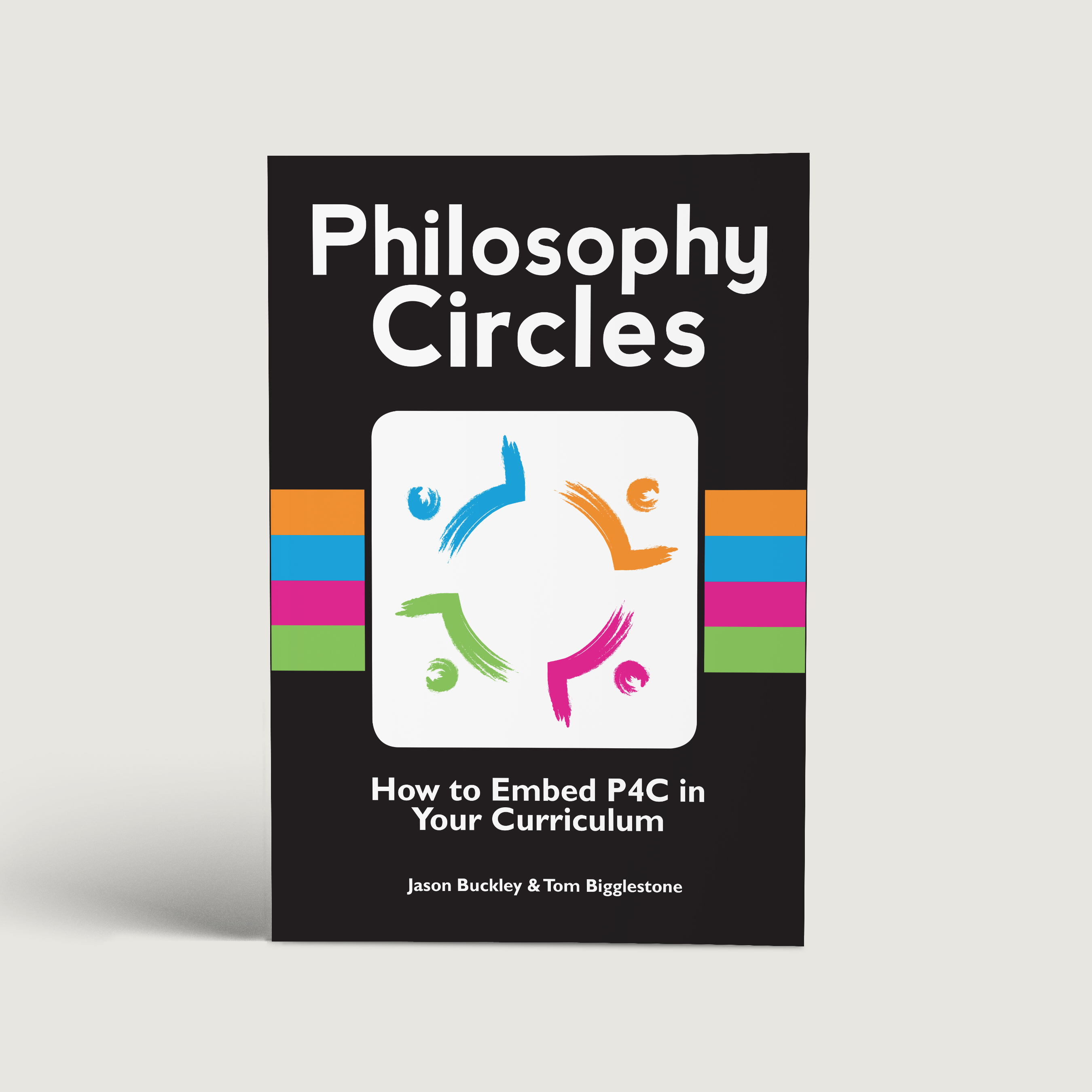
Philosophy Circles
In Philosophy Circles, Look out for Starting Positions on PG7 as the go-to way to run discussions (circle, 2s, 4s, 8s with questions of escalating challenge). There are lots of children who will talk in the 8s once they self-manage them (with a “conch” for whoever is talking, for example).
I'd recommend making this a routine that gets embedded across the school from Grade 2 or 3 up – maybe your class works better split into three groups for the final discussion, but something like this. Whole group talk simply doesn’t give enough speaking opportunities for less confident learners and speakers to develop their skills.
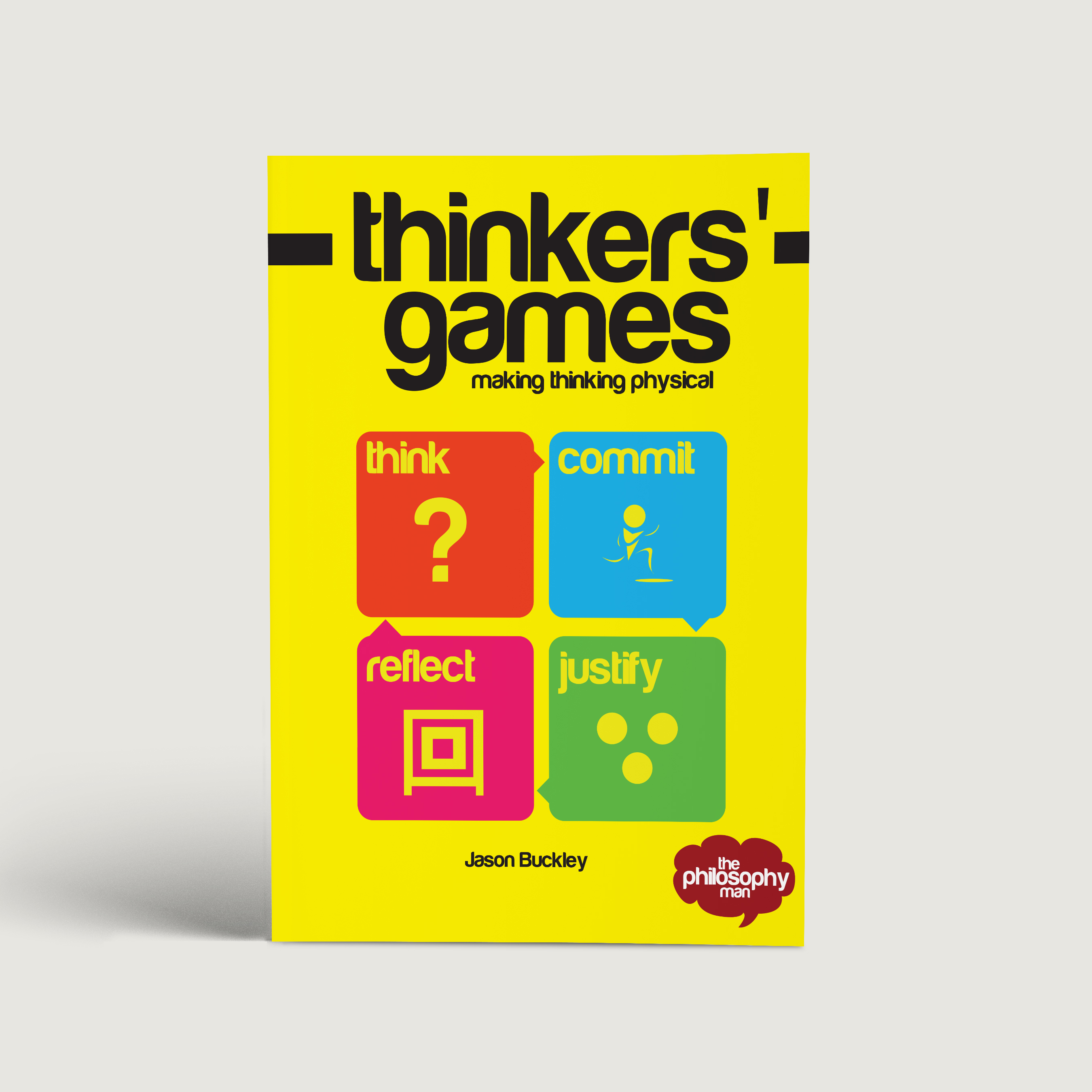
Thinkers' Games
Thinkers’ Games is bursting with specific activities that are great for engagement.
One key idea that I don't think I'd hit on when this was published is "Talk Three Times" - maybe once in pairs to see what you think before you move, again in a cluster of people who think the same to share your reasons, and finally in (brief) whole class discussion.
There are lots of specific examples you can use on this page
Planning & Assessment
The Philosophic Topic Processor
The general principles of the planning process I was showing you are described on PG33> of Philosophy Circles.
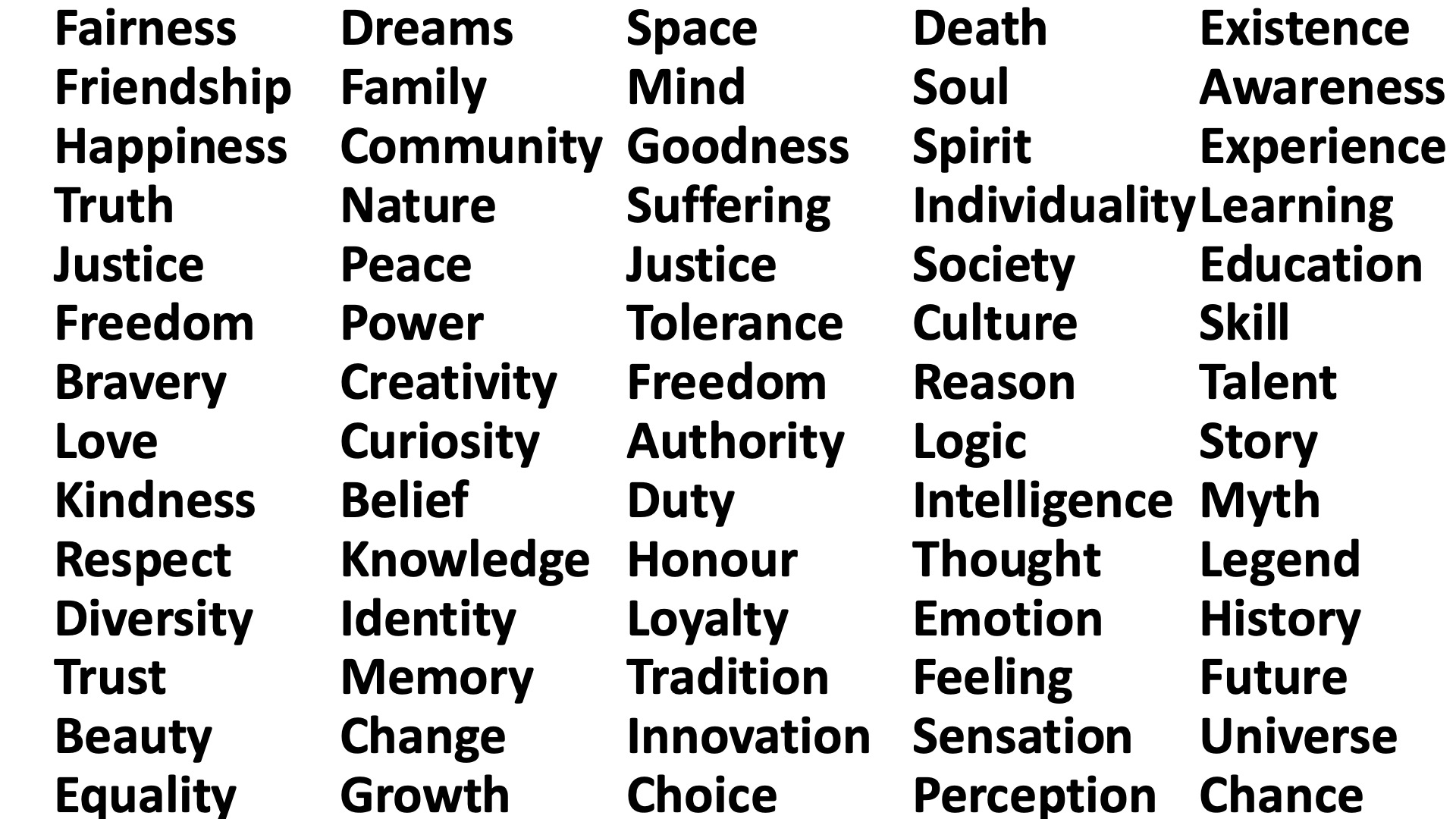
We really went to town, of course. You can see a list of juicy concepts, some examples from other schools, and some different ways of constructing questions (using the concept of freedom as an example) in this PPT extract based on a recent keynote.
Coaching Questions
The routine I’ve been pushing the most is frequent use of the coaching questions in pairs – and to use them yourself as much as possible. (Secondary folks, could you share your speech bubbles of them for learning support to use with primary?)
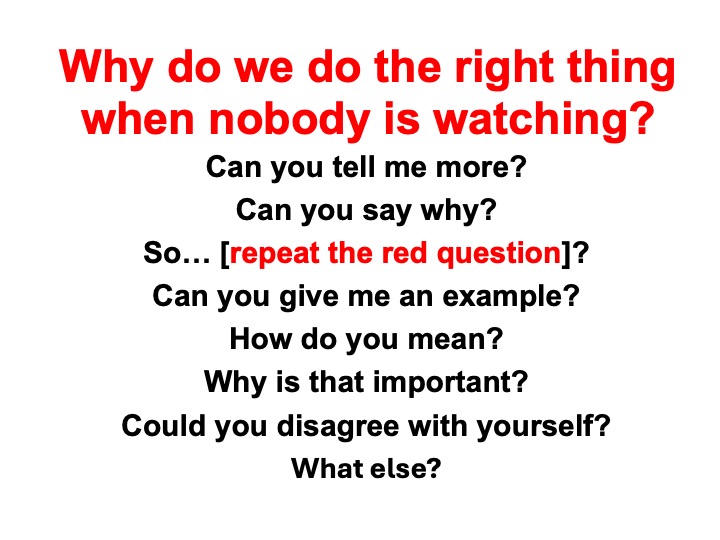
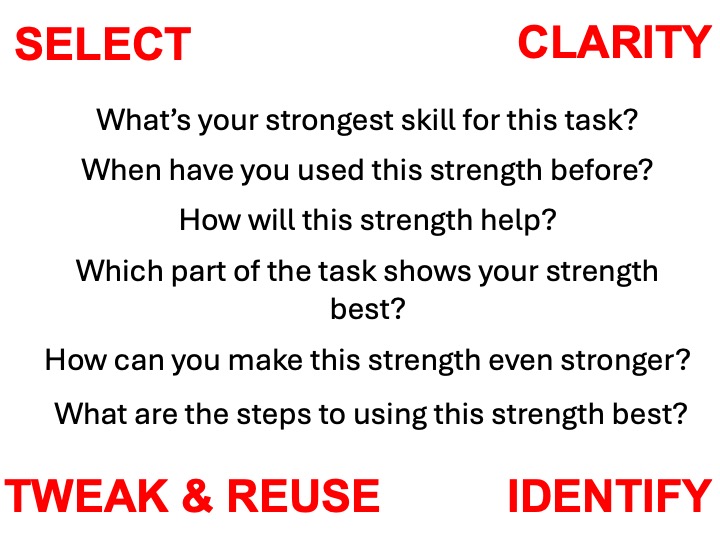
The general routine is form two lines, questioners facing the board and their answerers opposite them. Here are some powerpoints using the questions.
This is the one with all-purpose questions I was using for classes. These will do a good job almost anywhere, provided your red question is clear. You can create more tailored versions with ChatGPT, see below. ***This powerpoint includes an example of how students can use the questions to self-facilitate more substantial written work, by writing them in as prompts and answering them. You can do something similar with questions adapted for any text type.***Super useful idea***
This is the one we used in the session about resources and assessment. (Pick 4 things from your rubric, do a “Vote With Your Feet” with strengths, then with weaknesses, allowing them to share their reasons each time. Then form your coach lines). I’ve added some questions for reviewing how you did after the assignment, same sort of routine.
Using ChatGPT for Planning and Questions
I've developed a few custom prompts for ChatGPT during my time with you.
There's one for planning units of enquiry, for which you can see the entire process of creating and testing the prompt, and find plans it's created.
There's another which is working really, really well, which is for creating tailored coaching questions. There's a tweak in it for breaking down desired questions into shorter steps, courtesy of a conversation with secondary learning support.

The Discussion Dashboard
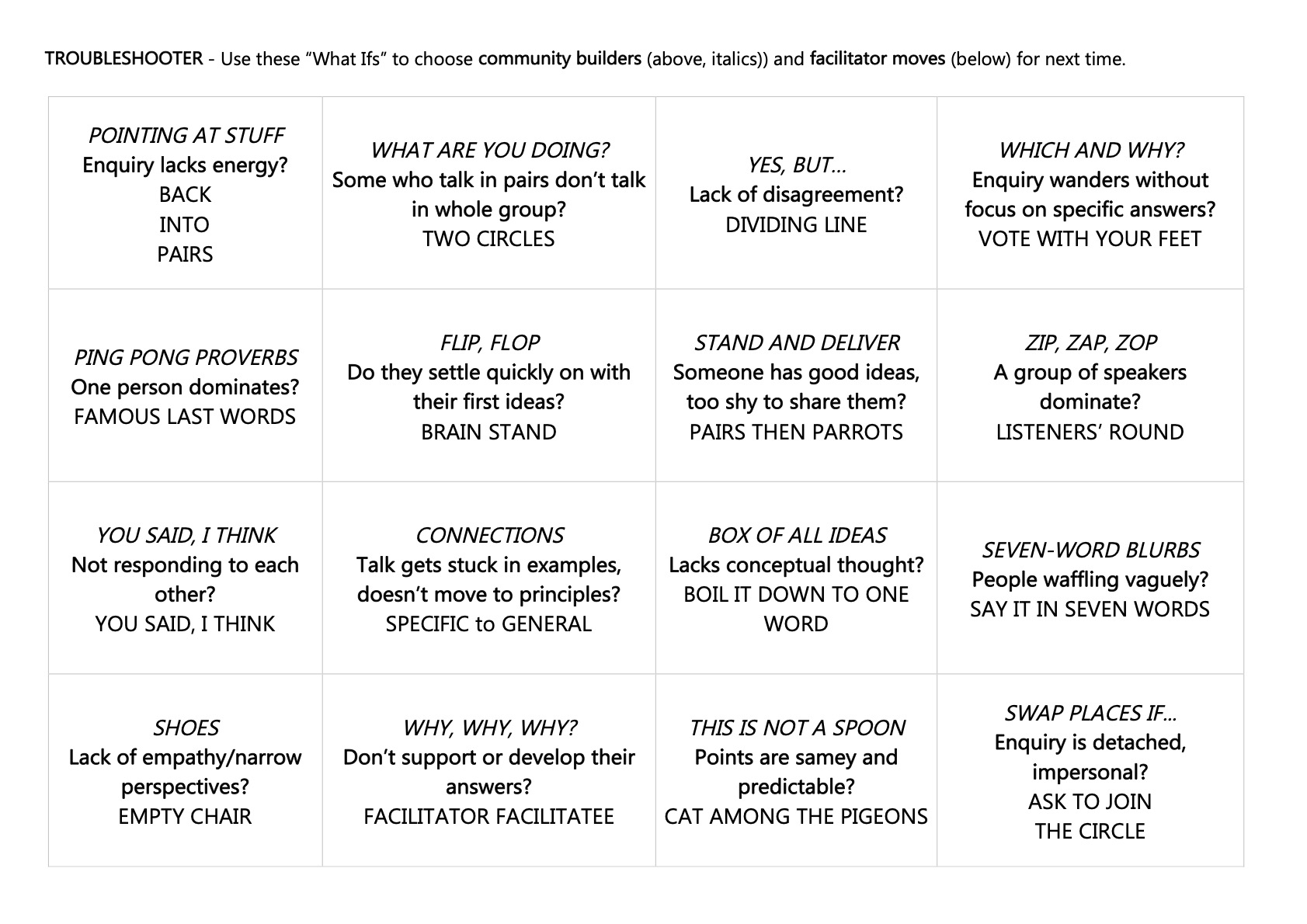
This is a way of formatively assessing the discussion skills of a group and, crucially, having facilitation moves and community-building games to address each growth area.
I showed it to teams where we had enough time, but it's well-explained. Click the button to get to the master page where you can download the dashboard and see videos talking through each of the facilitation moves and community builders.